
Hello charging customer!
More will be replaced by ChargeNode's charging and payment service.Continue charging your car as usual through the steps below.

Activate your account by downloading the ChargeNode App and sign up. Use the same email address that you have for your MER account. Once you have registered in the app, you can insert your debit card and start charging. It is also possible to apply for Business Account via the app to pay for charging by invoice. (For Business only). You can charge either with your RFID tag (follow the steps in the app) or directly in the app.
If you load on private facilities that are only available to members, or if you have a discounted rate through membership, you will receive a separate email from More. This email is separate from the registration email and contains information on how to register as a member of the same charging groups that you were a member of before. It is very important that you carry out this membership registration, as otherwise you will not be able to recharge on the private areas or access your discounted rates. Membership registration takes place in an extra step separate from the activation of your Chargenode account.
If charging needs to work for your business, or if you are renting charging points to non-stationary operations, then our extended SLA agreement is the right choice. This package includes priority with extra short setup time by service technicians and much more.


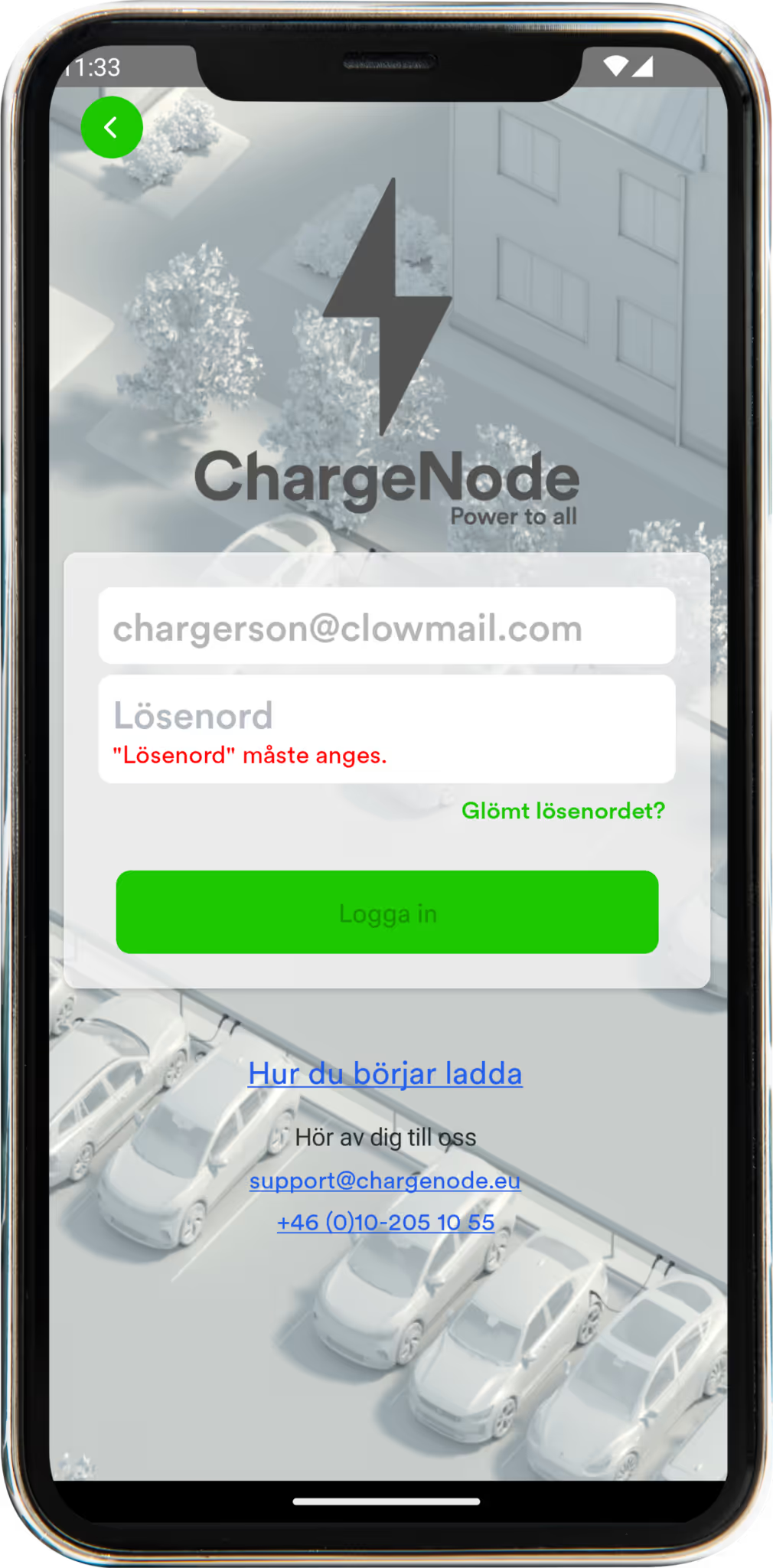
Press Login for your “old account” to show up.
Press “Create Account”. Use the same email as in your MER account.
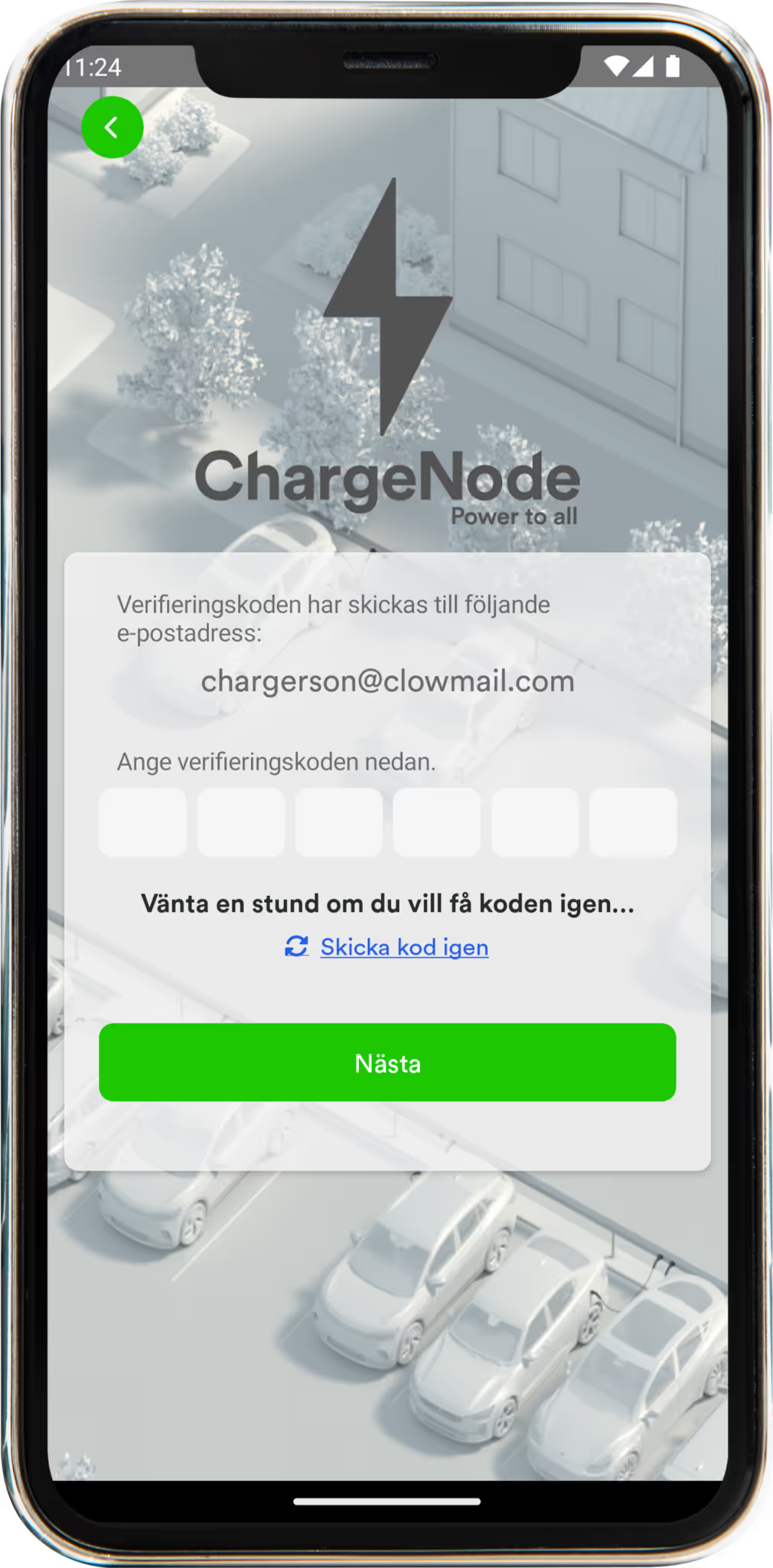
We will send a verification code to the email address you provided. Open the code in your email (don't forget to check the spam). Enter the code in the app.
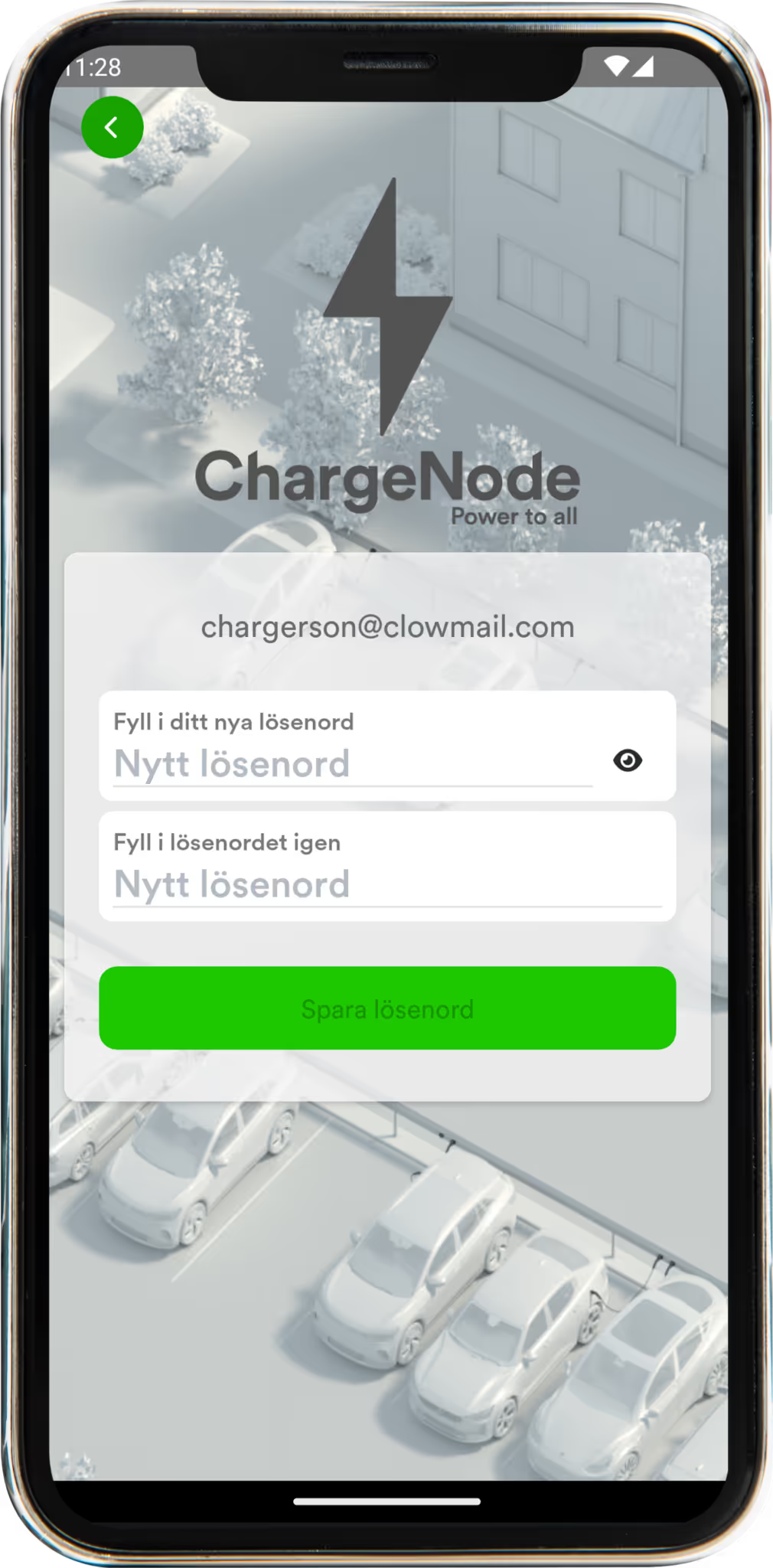
After that, choose your own personal password. If you already have an account with the same More email address, you don't need to create a new account.
After the verification code is approved, press “Next”.
Now the app is active and the account can be used with your old charging card.
Press “Save”.

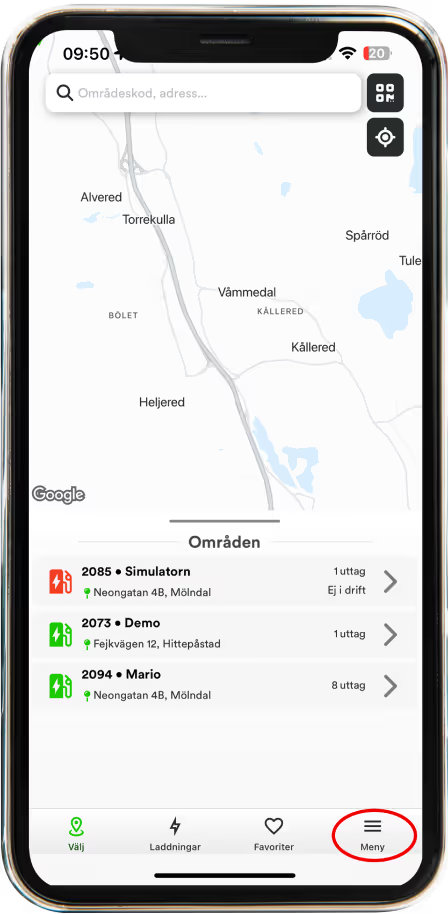
Click on “Menu”
Click on “My Payment Methods”
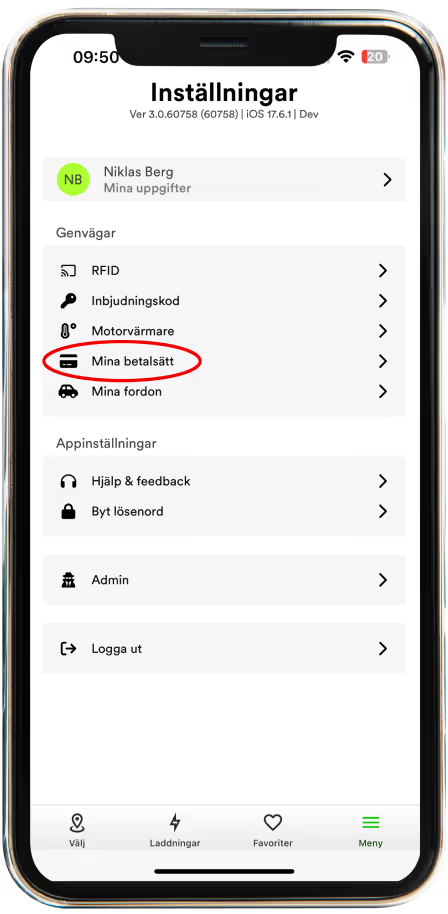
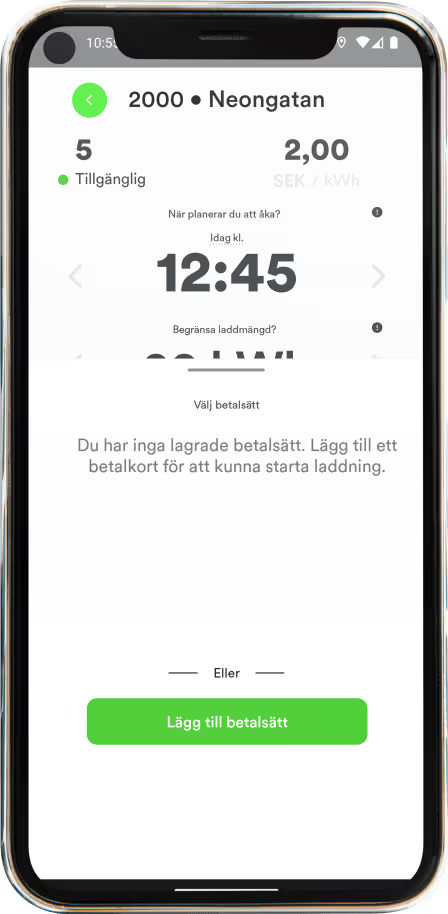
Select payment method.
Press the “Add payment method” button and fill in your card details.
We save your card details and will not withdraw money from this account with
MER Charging Card. The card is placed only where it should be. Tap the card to select
as a payment method.
The card must be open for internet purchases.
If you want to pay for your charge by invoice, you can apply for a Business Account.
The Business Account gives you many features and better control of the Company's charge. Read more here about Business account.
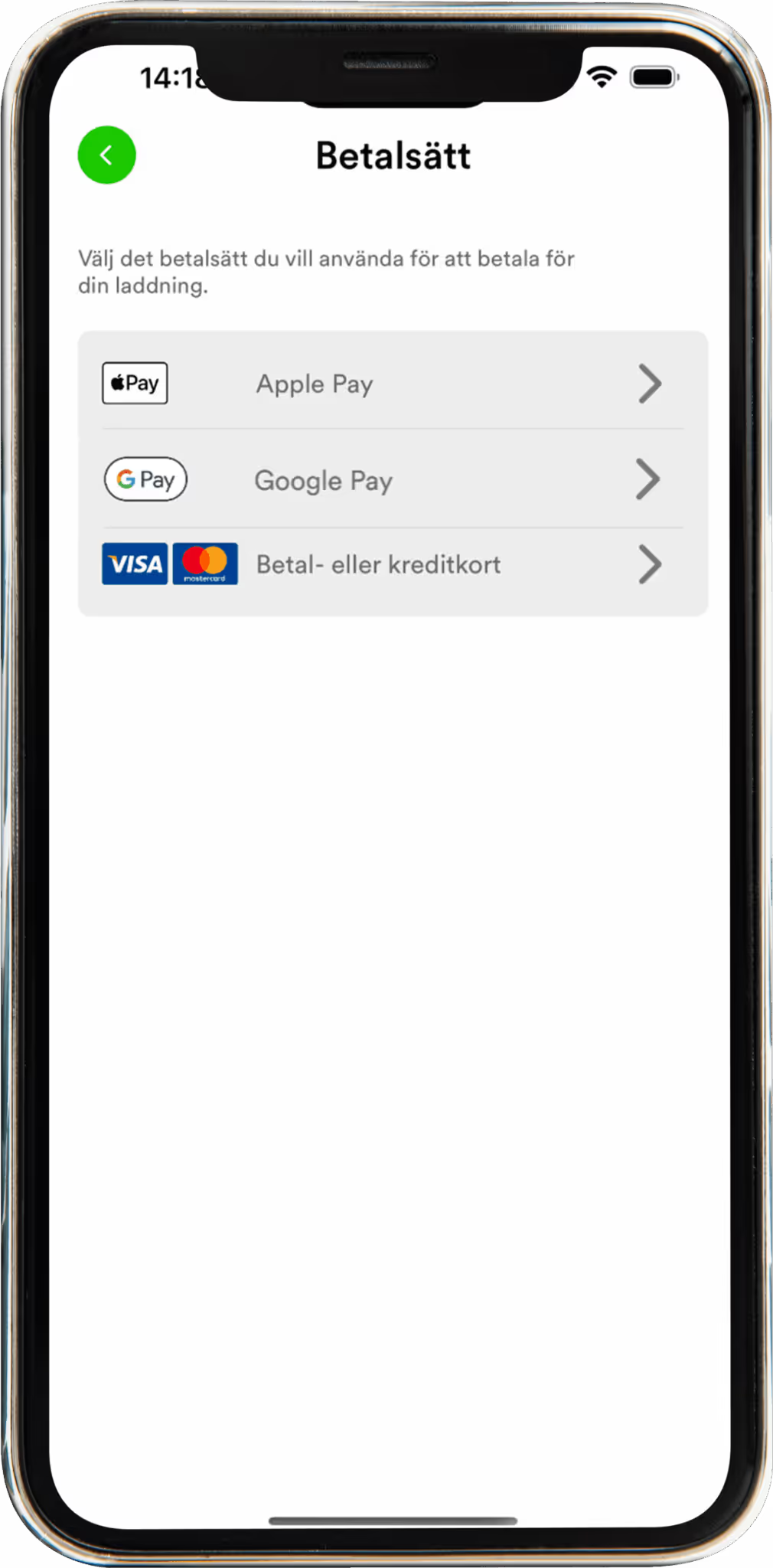
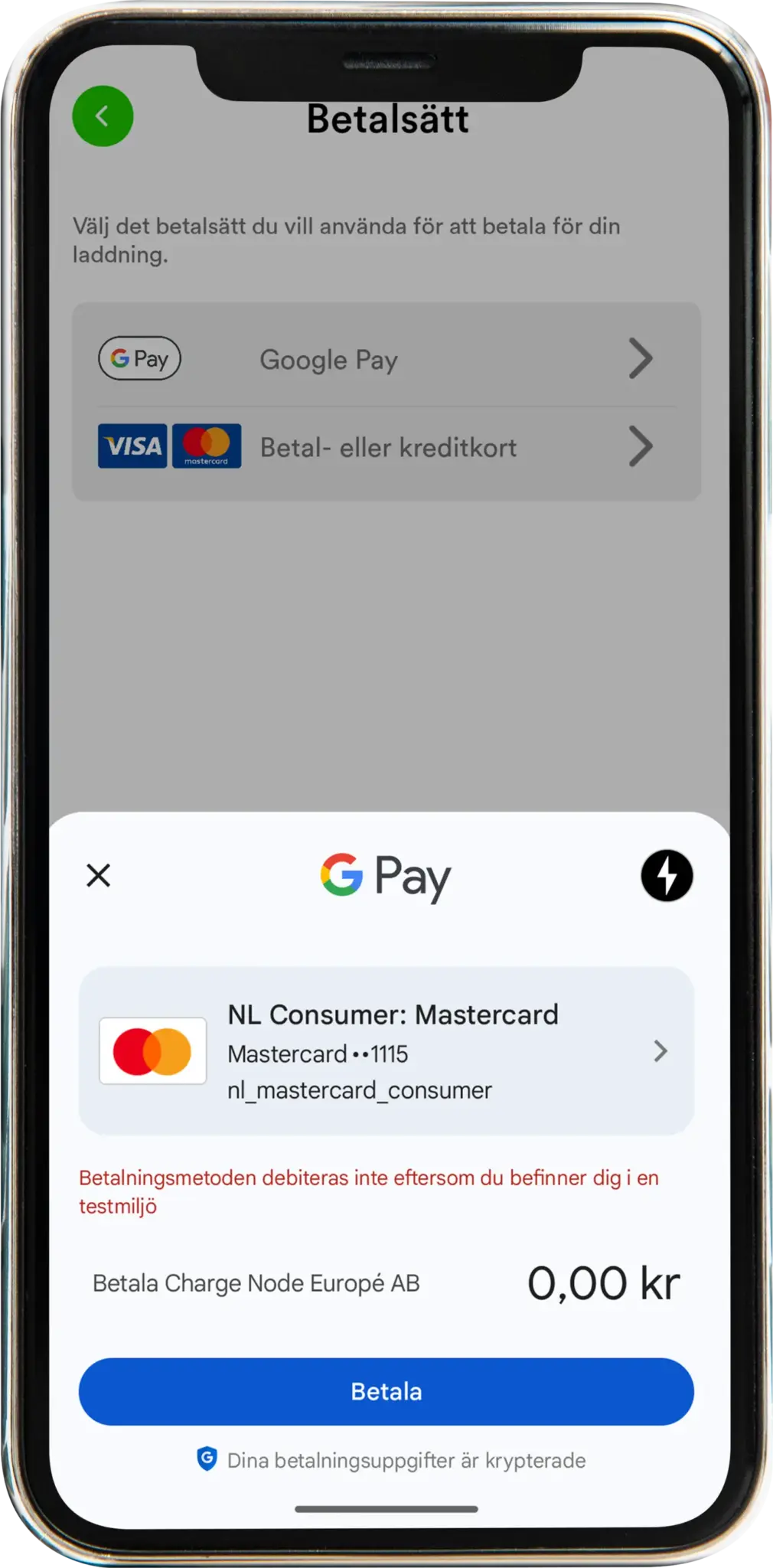
Now you can start using your account. Start charging directly in the app or use your RFID tag
More Sweden AB is currently undertaking a strategic realignment with the goal of becoming a pure public charging operator. This means that More will cease to offer charging facilities with associated services to companies. ChargeNode, the leading charging operator in the Nordic region for charging solutions for companies, will take over all customer agreements.
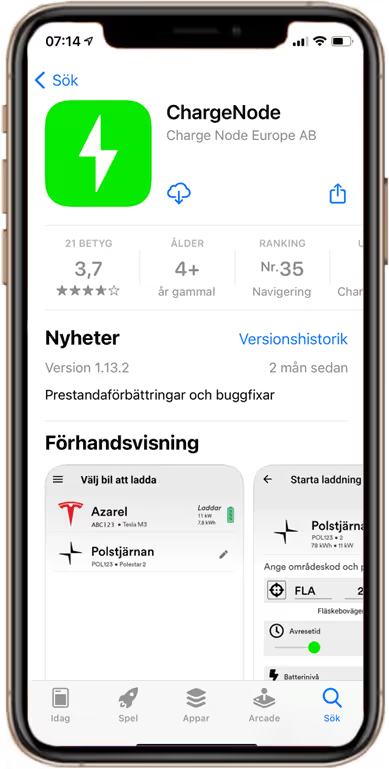
The only thing you need to do is download Chargenode's app and start charging. Follow this simple guide.
Learn more about ChargeNode's charging and payment service here.
Yes, you will be able to use your existing RFID tag after migration. However, we recommend that you order a new Chargenode tag from us.
Connect your existing tag to ChargeNode and load as usual.
All charge transactions at ChargeNode's facilities are handled by ChargeNode. If you have any questions, please feel free to contact our support.
MER tags continue to work as usual on Mers public chargers.
There it is More in charge of charging, payment flows and support.
Charge Node Europe AB
Neongatan 4B
431 53 Molndal